Toolbox App - Post Update Error

I logged into windows, opened the Toolbox app, and updated my IDEs before use. The title bar of the Toolbox app stated that an update was available for the Toolbox app so I clicked on that to install. After installation, I received an error concerning the Toolbox app. I then downloaded the standalone installer for the Toolbox app and installed. I continue to receive this error and would like to fix it so I can focus on other things.
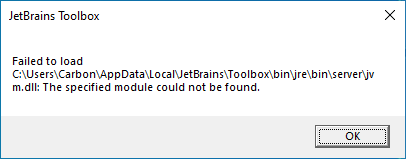
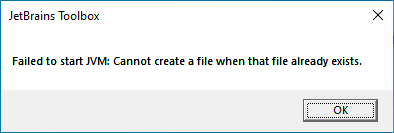
The \bin directory does not have a \jre subdirectory but the bin.old and bin.new do contain them. Do I just need to copy one of those \jre subdirectories over from the bin.old or bin.new?
--------------------------------------------------------------------------------
Update
Copying the jre and lib directories from another bin folder failed. I tinkered with renaming the latest bin directory and reinstalling but that fails. I can however run the previous build just fine. 1.22.10970.0 launches fine but 1.22.10774.0 does not.
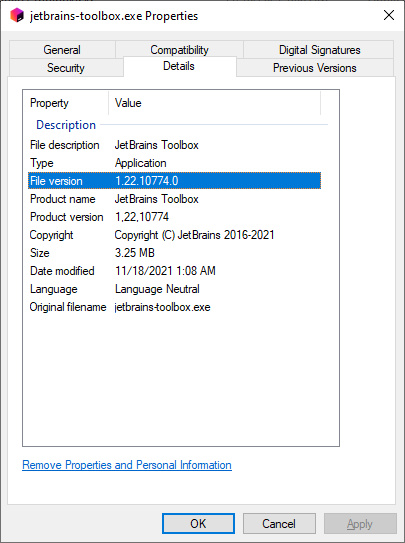
I'll just create a shortcut for the older version and keep using that.
Please sign in to leave a comment.
Hello! Sorry for the inconvenience. Version 1.25 of the Toolbox App was released. Could you please clarify if the problem is still relevant to you?